Hum a melody and get a whole song
Press Hum or sing, hum for ten to thirty seconds, and the studio finds your notes, key and tempo, picks chords, builds the sections of a song and plays it back with a band. Then change anything you like.
Open the studio, free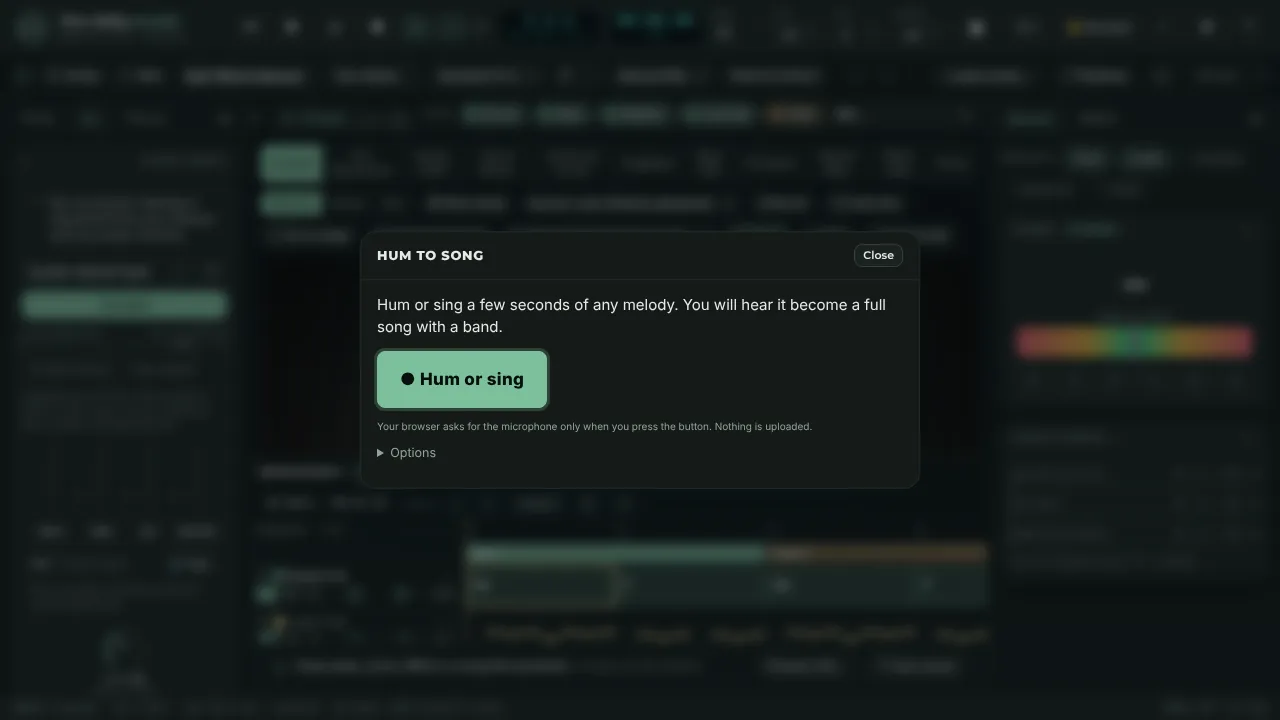
How it works
- Press Hum or sing. The browser asks for the microphone only now.
- Hum or sing for 10 to 30 seconds. No words or instrument are needed. A big letter shows the note you are singing.
- Press Stop. In a few seconds you have a song: intro, verse, chorus, verse, chorus, bridge, chorus and outro, played by a band with your melody on lead guitar.
- Change the style (folk, pop, rock, ballad or dance), the tempo, the key and mode, or the song shape, or ask for different chords. Add lyrics, edit any chord, or open it in the full studio.
What it can and cannot do
It follows one voice at a time, so hum single notes in a quiet room. It assumes 4/4. The song is arranged by rules from music theory and played by the app's own band; it is not an AI audio model, and nothing is sent anywhere. A voice memo or audio file can be used instead of the microphone.
Where it goes next
The song is saved on your device automatically. From there you can record guitar and voice over it, split the chords into tab, write lyrics under them, and share a one-file player or a print sheet.
Questions
- Do I need to sing words?
- No. Hum or la-la. The app only needs the melody.
- Is the song generated by AI?
- No. The notes, key and tempo are measured from your humming, and the arrangement is built from music-theory rules and played by the studio's own band, in your browser.
- Can I keep working on it?
- Yes. Open the result in the studio to edit the chords, record over it, write lyrics and export it.
Keep reading
- Chords, tab and lyrics from a song or your playingDetect the tempo, key and chords of a song, turn audio into guitar tab for your tuning, put lyrics under the chords and export ChordPro, MIDI or a print sheet.
- Record guitar and voice in your browserRecord guitar and microphone at once in your browser: two-input interfaces, count-in, punch-in, dry and wet takes, editable clips, WAV export.
- Live visuals and a light show for your musicA browser stage with moving lights, haze, an LED wall and simulated lasers that follow your song, a show designer, full-screen output and light comfort limits.